Case study · The North West Company
A digital flyer platform with different prices over 126 stores
The North West Company runs NorthMart and Northern stores across the north of Canada. Prices differ by region because of freight, so every flyer cycle means dozens of PDFs, each for its own zone. We built the platform that publishes them, host it on our servers, and gave North West Company’s team flexible in-house control.
$1,000+
Saved monthly in platform fees
Services
Custom software
UX design
Website
Hosting
Scale
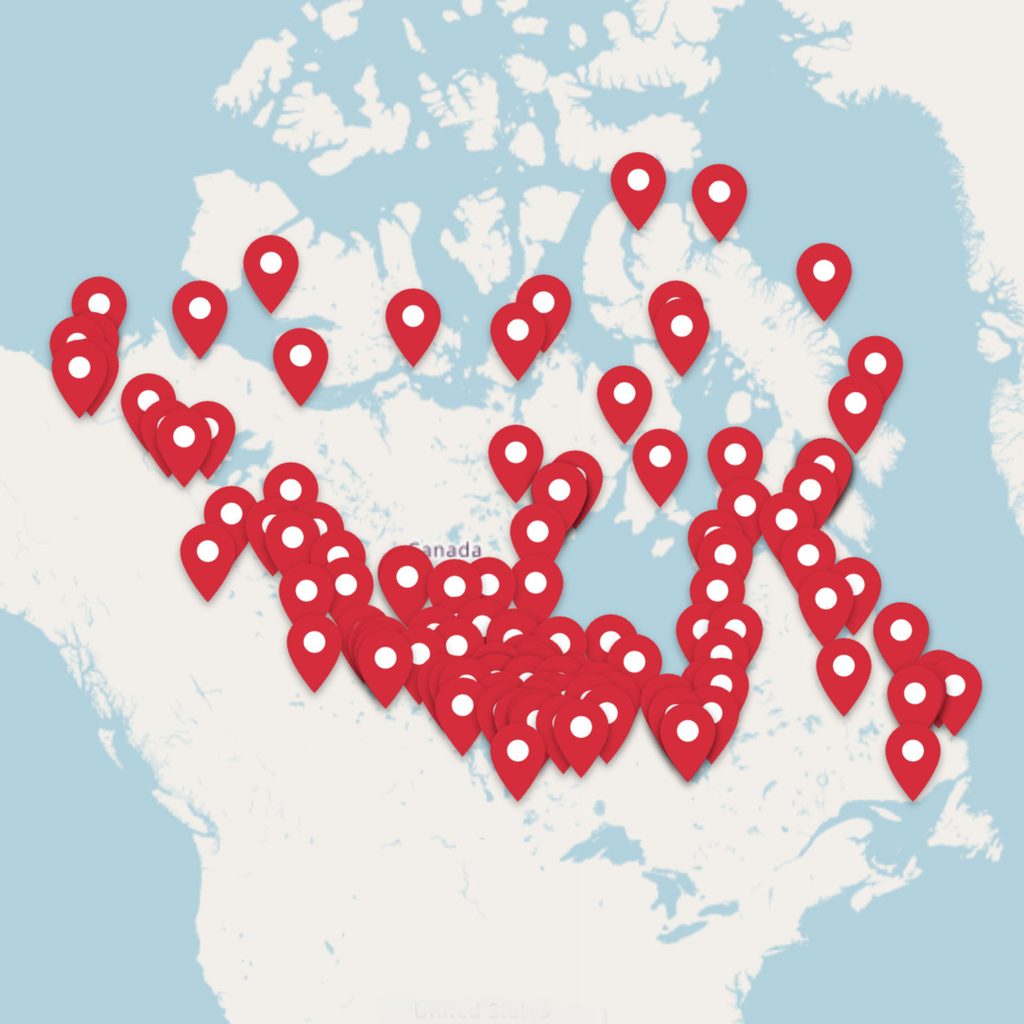
126 stores in 63 pricing zones
Context
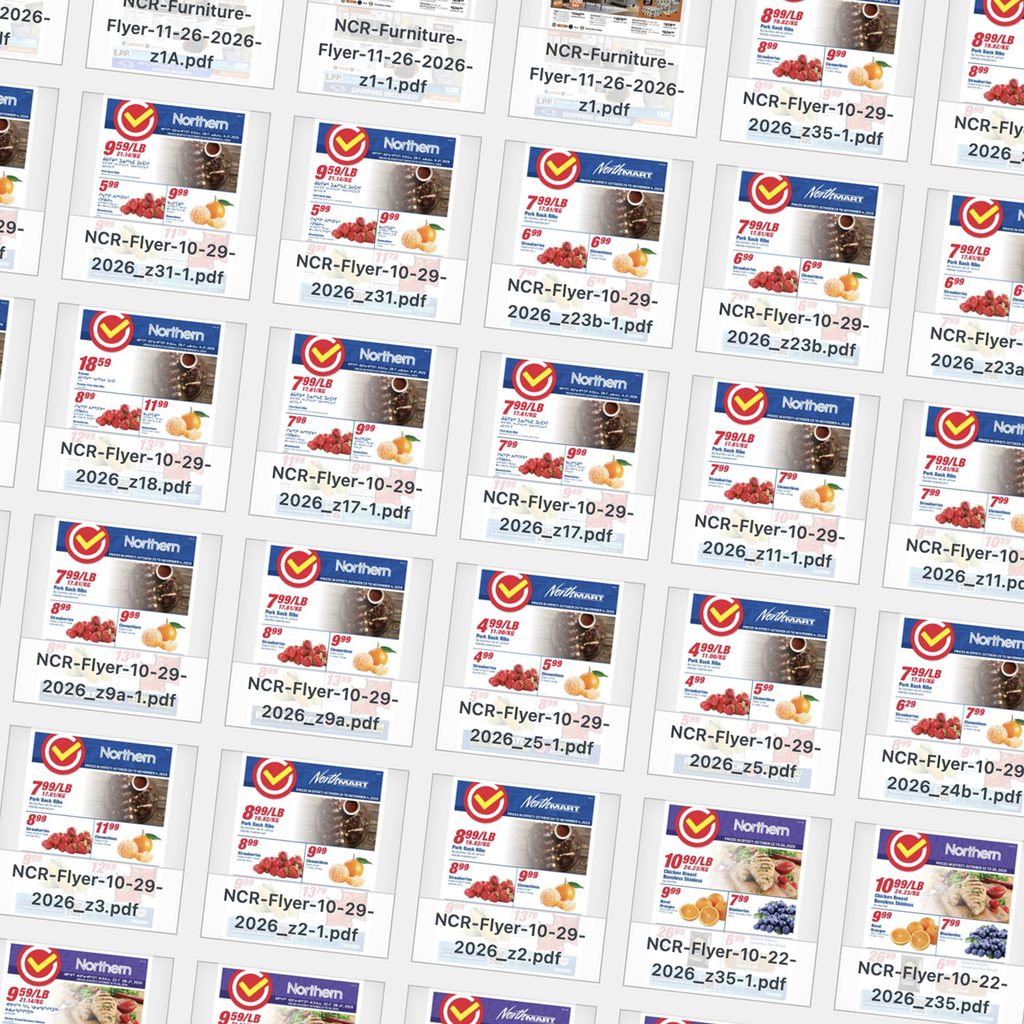
Multiple versions of each flyer
With multiple weekly and monthly flyers for 126 stores across 63 different pricing zones, the North West Company manages a complex digital flyer distribution process. Each store needs access to the correct flyers for its location, with prices and promotions that vary between regions.
A better system
For years, the company published its digital flyers through a paid third-party service that offered limited flexibility and cost more than $1,000 a month in subscription fees. The North West Company saw an opportunity to replace that service with a custom solution that would provide greater control and reduce ongoing costs.
Constraint
Simple to manage
The new system needed to fit into the marketing team’s existing workflow without adding extra work. The team also needed to manage stores, pricing zones and flyer types independently, without relying on a developer.
Accuracy was essential. With prices varying between locations, the system had to ensure that every store displayed the correct flyers. It also needed to be more affordable than the third-party service it was replacing.
The website needed to perform well in northern communities, where internet connections can be slow or unreliable. Shoppers had to be able to access their flyers quickly, even with limited bandwidth.
What we built
A customized digital flyer portal
We created a custom flyer platform, integrated into the existing northmart.ca site, that takes a batch of PDFs and outputs the correct flyer for every store.
Simple uploads: The marketing team can upload entire batches of flyers at once, without changing their existing workflow or entering information manually.
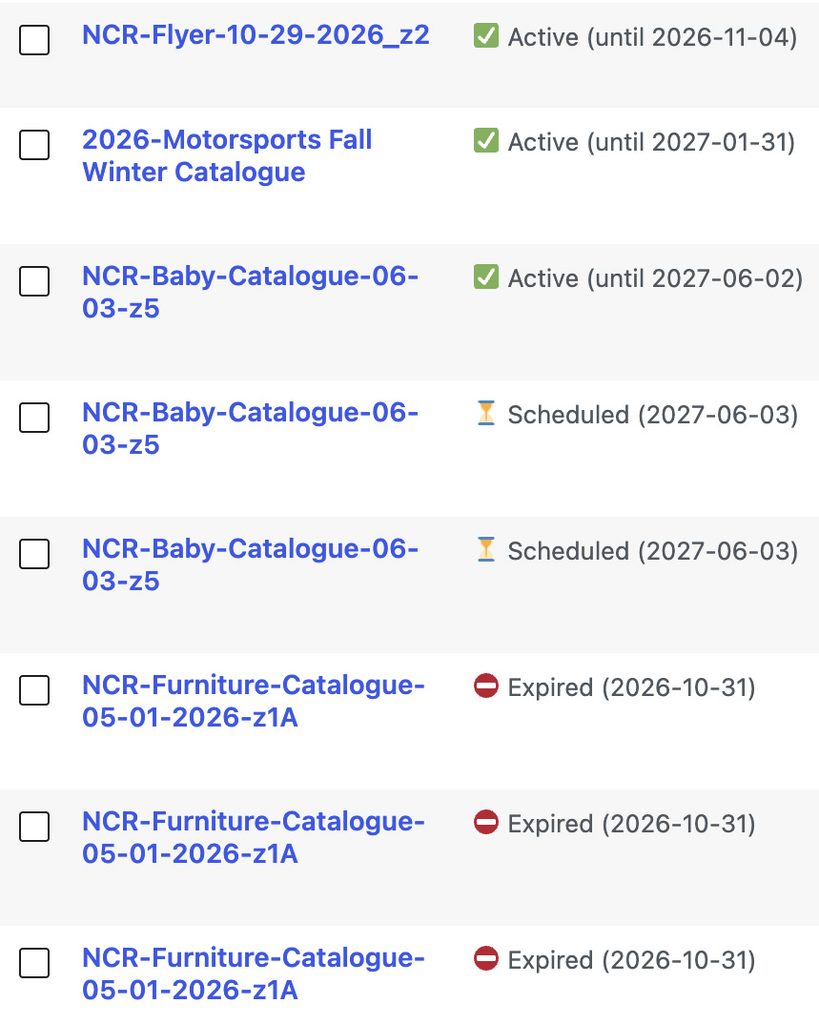
Reliable publishing: Built-in safeguards help prevent errors while uploading. Automatic scheduling means flyers are published and removed on the correct dates.
Easy management: Custom settings allow staff to manage stores, pricing zones, flyer types and customer-facing text without developer assistance.
A personalized experience: The website remembers shoppers’ selected stores, making it easier to find the correct local flyer on future visits.
Fast browsing: A custom flyer viewer makes large catalogues easier to browse, even on slower internet connections.
for every screen
One portal for shoppers on any device
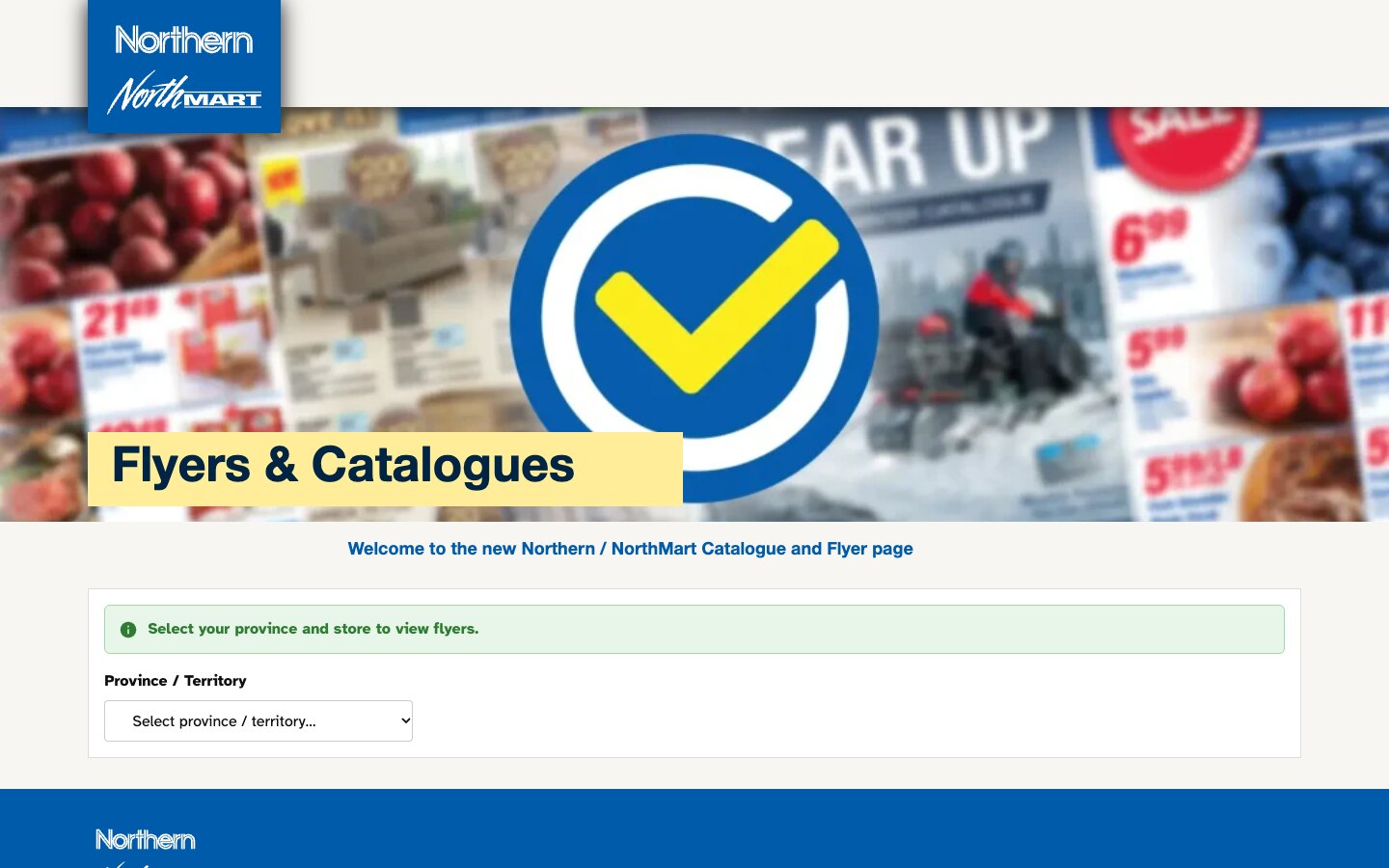
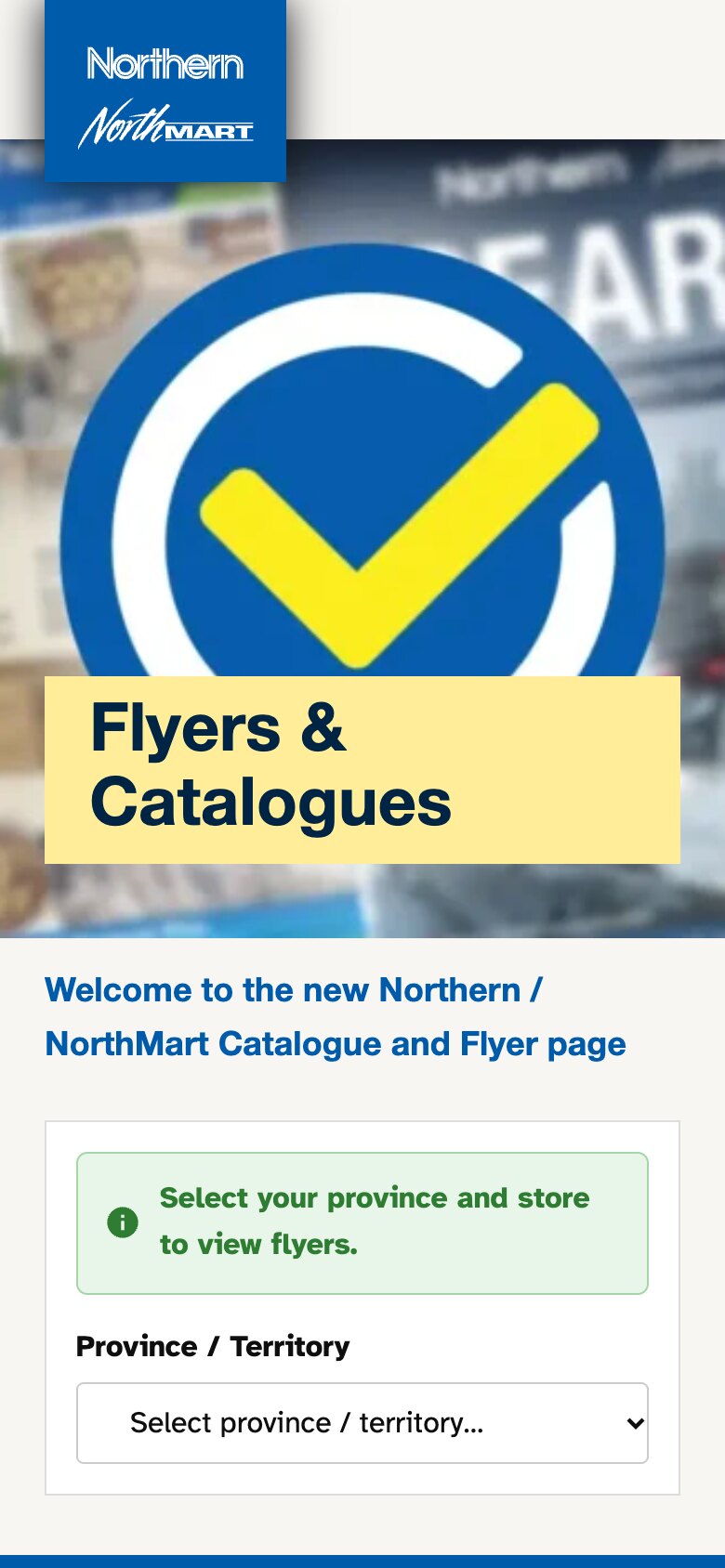
Shoppers can get their store’s flyers on any tablet, phone or computer, with a visual picker and a choice of scrolling or swiping.
How it works
Keeping the upload process simple
1. Uploading a batch of flyers
The marketing team uploads a batch of PDF flyers using the same file naming convention they’ve always used. The system reads the flyer type, zone and start date from the filenames and automatically fills in the corresponding flyer details, eliminating the need for additional data entry. The team just needs to set an end date for the batch or for individual flyers.
2. Checking for errors
Before flyers are published, the system checks for missing information. Flyers with incomplete data are saved as drafts and flagged so staff can review and correct them.

3. Getting the right flyer to the right store
Each store is assigned to a pricing zone. Flyers are automatically assigned to a zone on upload so that individual stores don’t need to be selected for each flyer. If a store changes zones, the new flyer pricing is automatically updated for that store.
Making flyers easy to browse
When a shopper visits the website, their previously selected store is remembered and displayed as default.
Instead of downloading an entire PDF first, the flyer viewer loads one page at a time. This allows shoppers to start browsing without waiting for the complete catalogue to load, even on slower internet connections.
$1,000+
Saved monthly in platform fees
client feedback
“
We’ve worked with Interplay since 2021. They build, host and manage our sites, and they handle whatever customization each one needs. Since then they’ve been our partner on every new digital project we take on.
Vince Mendella, Front-End Developer and UX/UI Designer, The North West Company
After Launch
Project outcomes
Batch uploads in minutes
The marketing team can now publish an entire week’s flyers in minutes, without changing their existing workflow. Automated scheduling and built-in error checks reduce manual work, while easy-to-use settings give the team more control over flyer management.
Easy access for shoppers
Shoppers can quickly find the correct flyers and prices for their store, even on slower internet connections. The website remembers their selected location, making it easier to access relevant flyers on future visits.
Lower costs and greater independence
By replacing the third-party flyer service with a custom platform, the North West Company eliminated more than $1,000 in monthly subscription fees. New features can be added as needed, giving North West company control over future functionality.
How we help
When the right tool doesn’t exist, we build it
With years of WordPress development experience, we build custom tools that integrate with your existing workflows.
Take the first step
Tell us what you are working toward
Send us a brief description of your project, and we’ll tell you how we can help with your goals.